What's New?

Follow new updates and improvements to SAGA.

June 16th, 2026

Hi !!

If you missed it when we launched for iOS, here's the quick version: we built a keyboard app that puts your entire SAGA Library inside any chat.

While you're in WhatsApp, Instagram DMs, iMessage, or any messaging app, your scripts, videos, links, lead magnets, info pages, and forms are one tap away. Browse, pick, and drop them straight into the conversation. No switching apps. No copy-pasting. No friction.

And now Android users can get in on it too.

๐Ÿ‘‡ Download it free, it's included in your SAGA membership:

Download on the App Store โ†’


Download on Google Play โ†’


The full setup guide walks you through activation in a few minutes.

June 12th, 2026

Hi there!

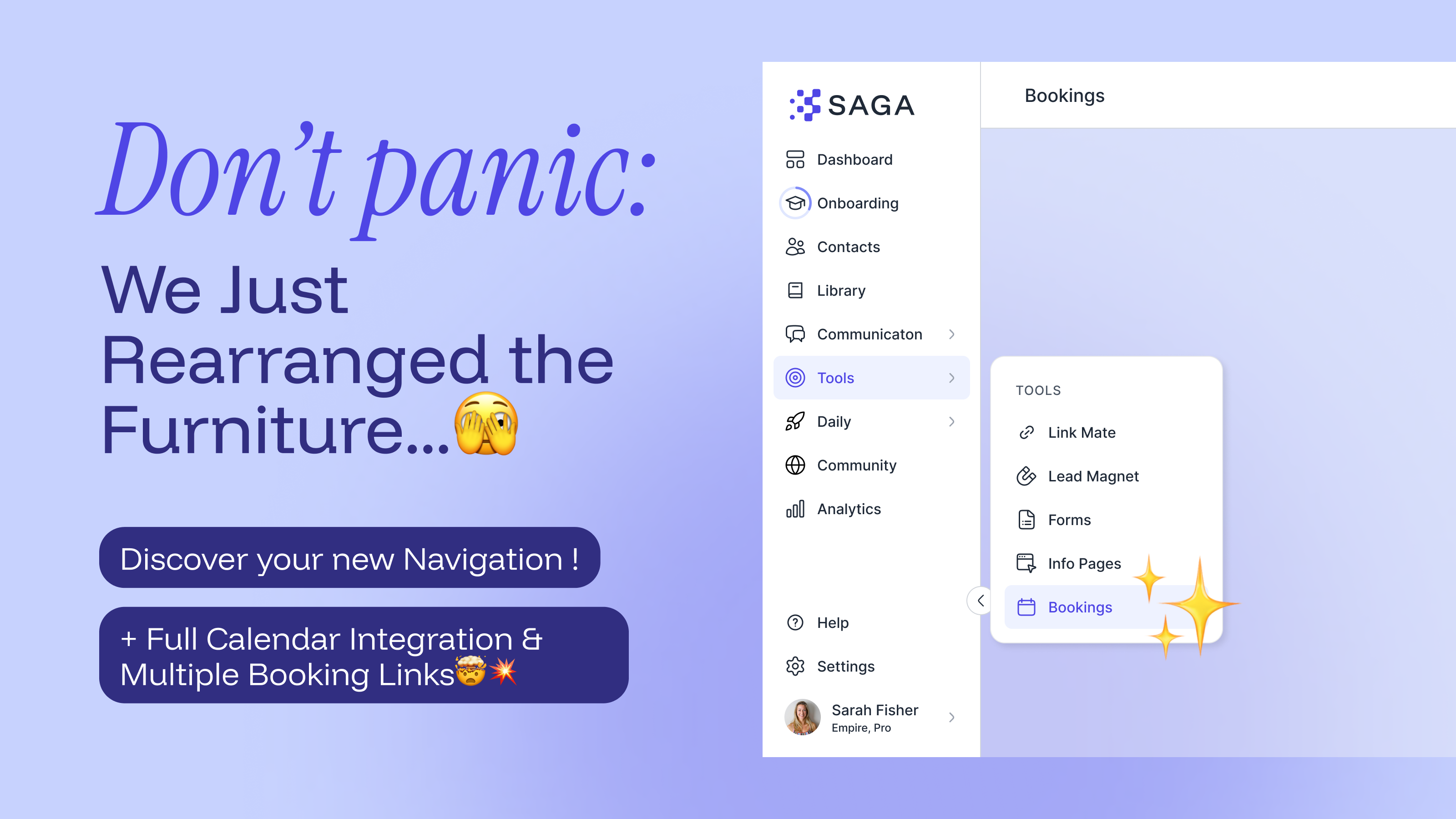
Let's start with the thing that might have caused a mild panic this week.

You may have also noticed the sidebar looks different. We've reorganised the navigation so related features are grouped together.

Communication, Tools, and Daily are now tidy groups you can click or hover to expand.

Your profile picture and the help button have also moved to the bottom of the sidebar on desktop. And if you manage a team, the switch to admin view is now in the profile menu.

Mobile is unchanged. Panic over.

See what's new in the Navigation Guide โ†’

Now, the good stuff. Bookings got a major upgrade:

  • Multiple booking links: Create one for every type of meeting you offer: discovery call, business Presentation, follow-up. Each has its own link, duration and settings. Activate or deactivate them anytime.

  • Google Calendar sync: Connect your Google account, and SAGA will block times you're already busy. New bookings go straight to your calendar, too.

  • Global availability: Set your weekly schedule once and it applies across all your links automatically.

  • Meetings tab: All your confirmed bookings in one place. They still show up in your Task list too, nothing lost, everything better.

Explore the updated Booking Calendar guide โ†’

June 1st, 2026

Hey there
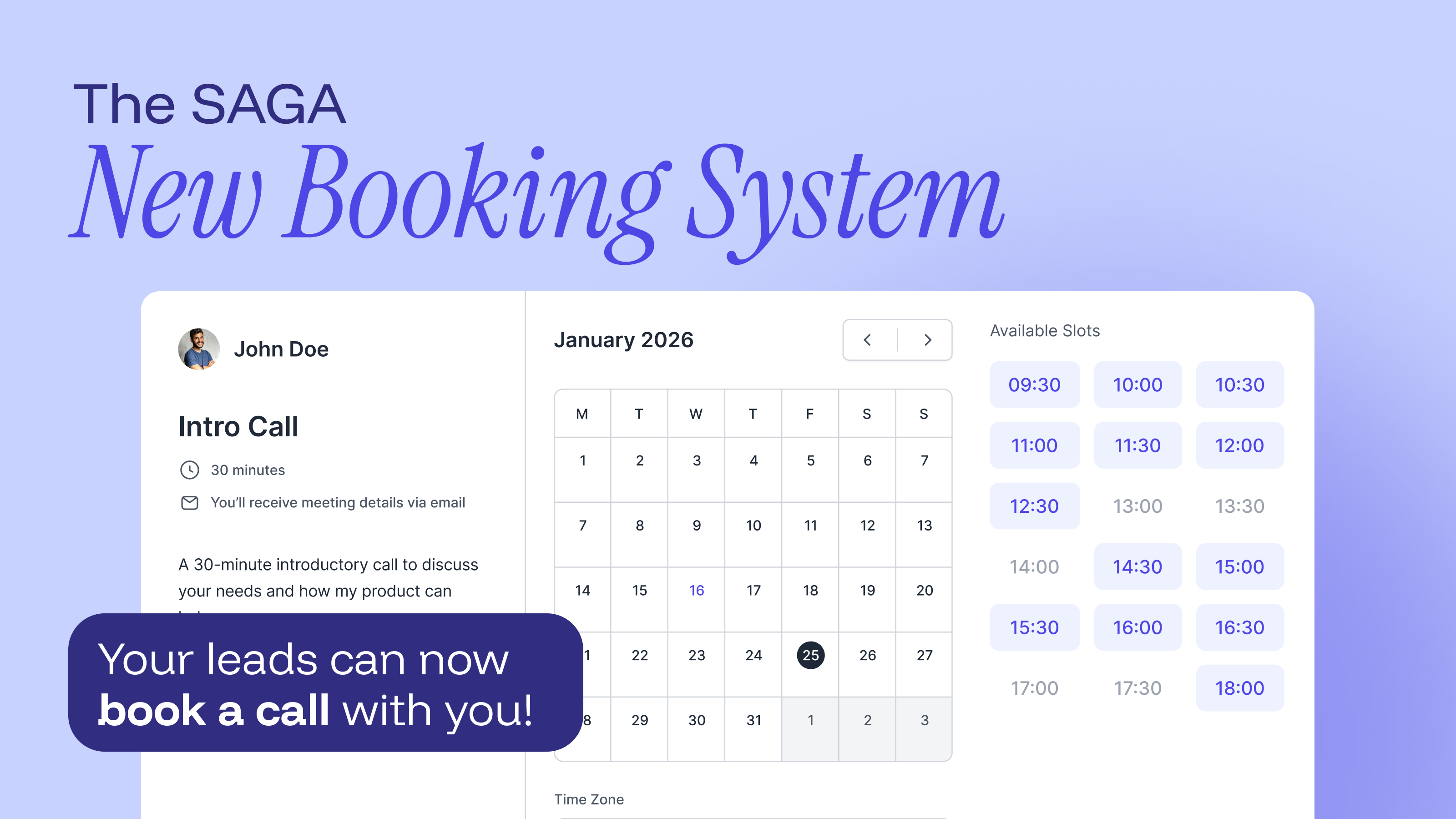
You can now share a personal booking link with your prospects and let them schedule a call with you in seconds, no more back-and-forth trying to find a time.

Set up your booking page with your event name, duration, description, and video call link (Zoom, Google Meet, Teams, whatever you use). Choose your weekly availability, set buffer time between meetings, and define how far in advance someone can book.

When a prospect clicks your link, they see your available slots, pick a time, fill in their details, and receive an automatic confirmation email with everything they need to join.

Every booked meeting appears in your Task list, right alongside your regular follow-ups. Past meetings are saved in the new History tab.

Find your booking link at the top of the Tasks page.

โ†’ Learn how to set up your Booking Calendar

April 23rd, 2026

Hi there!

For a while now, we've been thinking about where sales conversations actually happen. Not in a CRM. Not in a dashboard. In chats. WhatsApp, Instagram DMs, iMessage - that's where relationships are built and decisions are made.

So we built something for that.

The SAGA Keyboard App lives inside your keyboard. While you're in any conversation, on any messaging app, your entire SAGA Library is one tap away. Scripts, videos, links, lead magnets, info pages, forms. Browse, pick, and drop them straight into the chat. No switching apps. No copy-pasting. No friction.

It's a small shift in how you work, but it changes a lot.

๐Ÿ‘‡ Download it now! It's free for all SAGA members Download on the App Store โ†’

The full setup guide walks you through activation in a few minutes.

March 6th, 2026

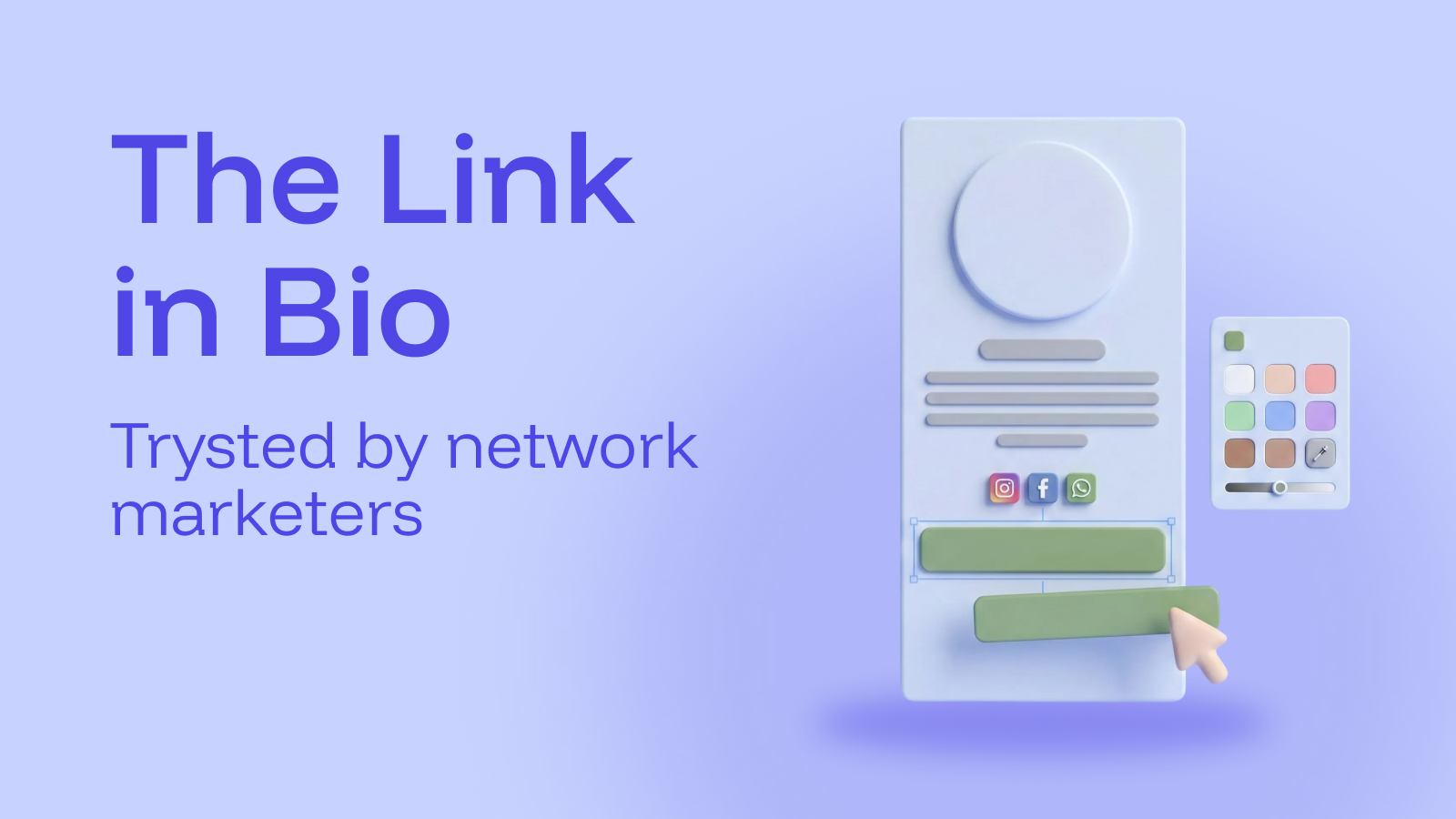
Weโ€™ve updated Link Mate to make it more consistent, flexible, and easier to customize.

Donโ€™t worry, nothing major changes in how your page works.
Your existing Link Mate stays exactly as it is.


โœ… What Stays the Same

  • Your Link Mate link does not change

  • Your buttons and structure remain intact

  • All connected tools (lead magnets, forms, info pages, shop links) continue working as before

This update does not require you to rebuild anything.


๐ŸŽจ Whatโ€™s Improved

Better Readability: Weโ€™ve refined the layout and visual structure to improve clarity and overall readability.

Your page now:

  • Feels cleaner

  • Is easier to scan

  • Looks more polished


More Theme Customization

Click Email Content Field Again

You now have expanded customization options, especially inside the Theme Editor.

You can:

  • Adjust more visual elements

  • Fine-tune your colors and background

  • Create a look that better matches your brand

Itโ€™s still simple โ€” just more flexible.


Check out your new Linkmate here! โ†’

You donโ€™t need to juggle different platforms anymore. Everything lives inside SAGA.

One system.
One builder.
One ecosystem.

February 4th, 2026

Weโ€™ve improved how contact details work on the Contacts page - so you can focus on what matters, without the clutter.

Whatโ€™s new:

  • ๐Ÿ‘€ Only relevant contact handles are shown
    Youโ€™ll now see only the contact methods that are actually available for each lead.

  • โš™๏ธ Customize what you see
    Click the settings icon next to โ€œcontactsโ€ to open a quick modal where you can choose which contact handles to display.
    Donโ€™t use Telegram? Hide it. Simple.

๐Ÿงน A cleaner workspace = Fewer distractions, clearer views, smoother workflows.

January 19th, 2026

Your daily workflow just got a serious upgrade

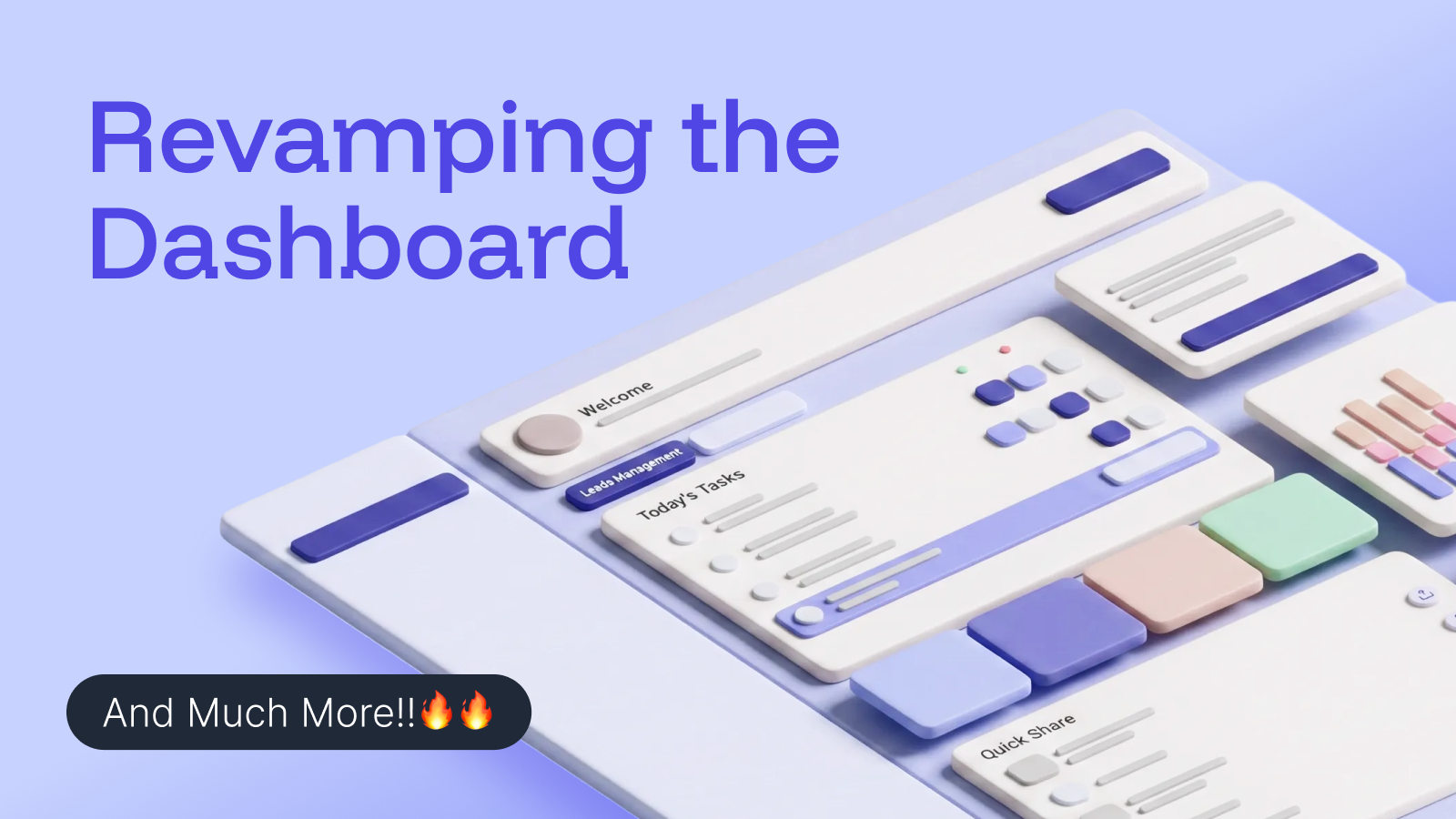
Weโ€™ve refreshed the SAGA dashboard to make everything feel faster, cleaner, and easier to use โ€” so you can focus on what matters, not on clicking around.


โœจ Whatโ€™s new? Dashboard

โšก Quick Additions, right where you need them

Add contacts or resources in seconds with the new โ€œCreate Newโ€ button at the top of the page. Less hunting, more doing.

๐Ÿงญ A smarter way to move around

The new tab-based navigation helps you jump between key areas effortlessly โ€” no more digging to find what you need.๐ŸŽฏ Two tabs. Two powerful goals.

Manage Leads
Stay on top of your tasks and share your favorite library resources in just a few clicks.

Generate Leads
Create new prospecting tools faster, with handy shortcuts and clear performance insights built right in.


๐ŸŽจ More control over your Info Pages

Your Info Pages just got a serious upgrade.

You can now fully customize their look and feel:

  • Change colors, buttons, and overall style

  • Go beyond default presets and edit freely

  • Save your own presets and reuse them anytime

Your pages, your brand โ€” exactly how you want them.

โ†’ Try it now


๐Ÿ” Duplicate Lead Magnets in one click

Save time by duplicating:

  • Your own lead magnets

  • Team lead magnets (if available to you)

Reuse what works and adapt it instantly.


โš™๏ธ One place for all your settings

No more confusion or scattered options.

All your settings โ€” including prospecting and personal preferences โ€” are now unified on a single page, accessible from the top-right menu.

Clear, simple, and easy to manage.

โ†’ Go have a look!


๐Ÿ“ Decide which form fields really matter

From Settings, you can now choose which contact form fields are mandatory across the platform.

More flexibility for you โ€” better-quality leads for your business.


Weโ€™re excited for you to try it out and feel the difference yourself.
๐Ÿ‘‰ Jump into the new dashboard and see how smooth your workflow can be.

Got thoughts or ideas? Weโ€™re listening โ€” your feedback helps shape whatโ€™s next ๐Ÿ’ฌ

January 12th, 2026

Not every conversation follows the same path.
Now your pipelines donโ€™t have to either.

You can create custom pipelines alongside your Structured Sales Process (SSP) to manage:

  • events and promotions

  • short-term campaigns

  • special follow-ups

  • any sales flow that doesnโ€™t fit the default process

Custom pipelines give you a clear visual flow for specific goals โ€” without breaking your main system.

How to get started (30 seconds)

  1. Go to Contacts

  2. Open the View dropdown and click Manage Pipelines

  3. Click Create New Pipeline

  4. Add your steps and start adding contacts

Think of custom pipelines as focused overlays you turn on when you need them โ€” and remove when the job is done.


๐Ÿ‘‰ Try it out now

Create your first custom pipeline and start organizing contacts around a real goal.

Create a Custom Pipeline


๐Ÿ“˜ Want to understand it better?

Learn when to use custom pipelines, how they differ from the SSP, and how to manage contacts inside them.

Read the Help Guide

December 30th, 2025

We're thrilled to share the newest enhancements added to SAGA. These updates are designed to boost your efficiency and provide a smoother user experience.

Contact Tag Support

  • Automatic Label Assignment: Assign specific labels to leads generated via prospecting tools effortlessly.

  • Configure Settings: Open any of your prospecting tool's settings to choose or create a label to automatically assign.

Info Page Improvements

  • Link Previews: When sharing info page URLs, previewsโ€”including title and descriptionโ€”will now be displayed for a better sharing experience.

  • Duplication Tool: Duplicate or utilize an existing info page as a template to create new content.

Thank you for choosing SAGA! We continuously strive to enhance our services to meet and exceed your expectations.

December 15th, 2025

Understanding whatโ€™s working shouldnโ€™t take effort.
Thatโ€™s why weโ€™ve introduced new ways to see your progress clearly, build richer pages, and move faster with less friction.

This update is focused on simplicity, visibility, and control โ€” so you can spend less time figuring things out and more time acting on insights.


Whatโ€™s new

๐Ÿ“Š A clearer analytics dashboard
Track activity progress and prospecting performance at a glance with simple, intuitive charts designed to make trends immediately obvious.

๐Ÿ‘‰ Explore the new analytics dashboard

๐ŸŒ More flexible info pages
Create richer, more engaging pages using new elements like testimonials, social proof, FAQs, social links, and image carousels โ€” all built to help you communicate value with confidence.

๐Ÿ“˜ Read the complete guide to info pages

๐Ÿ” Less setup, more momentum
Duplicate info pages in one click and reuse layouts that already work, so you can move faster without starting from scratch.

Cleaner data, better tracking
Improved contact imports and activity tracking give you a more reliable foundation for everyday work.

What this means for you

You get better visibility into performance, more control over how you present information, and smoother workflows that help you stay focused on progress.


Weโ€™ll keep refining the experience to make insights easier to access and act on.
Thanks for building with us โ€” more improvements are on the way.

Best,
The SAGA Team